Python Requests makes proxy routing simple, but a short `proxies` dictionary can hide several mistakes: confusing the target URL scheme with the proxy protocol, letting environment variables replace an intended route, encoding credentials incorrectly, or counting any HTTP 200 as a useful result. This guide gives a complete HTTP-proxy example and a small verification checklist for a real application.
The script uses placeholder environment variables and an HTTPS IP-echo service. Run target checks only against endpoints you are permitted to access. The example does not include a live IP Fist credential or promise that one proxy will work on every site.
Understand the two schemes in a Requests proxy dictionary
| Element | What it controls | Example |
|---|---|---|
| `proxies['http']` | The route for an HTTP destination URL. | An HTTP proxy URL such as `http://host:port`. |
| `proxies['https']` | The route for an HTTPS destination URL. | Often the same `http://host:port` HTTP proxy endpoint; Requests tunnels HTTPS through it. |
| Proxy URL scheme | How the client speaks to the proxy. | `http://` for an HTTP proxy, or `socks5h://` for a supported SOCKS5 endpoint with proxy-side hostname resolution. |
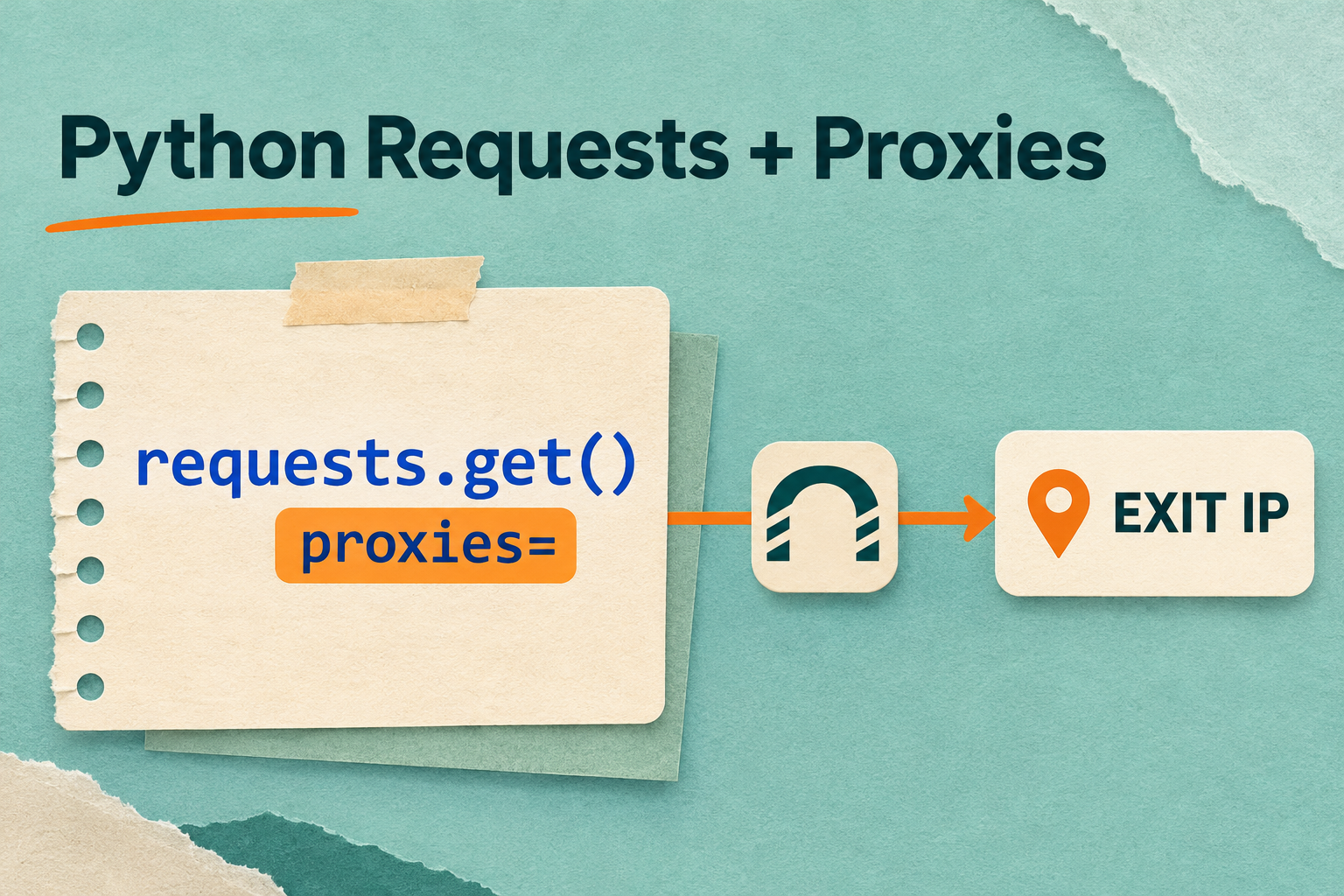
The `https` key does not require an `https://` proxy URL. It means the destination begins with `https://`. A standard HTTP proxy can establish a CONNECT tunnel for that HTTPS destination. Do not change the proxy URL scheme merely to match the destination scheme; use the transport your provider actually supplies.
Install Requests and make one controlled request
Install Requests, then save the following code as `proxy_check.py`. Supply `PROXY_HOST`, `PROXY_PORT`, `PROXY_USERNAME` and `PROXY_PASSWORD` through a protected local environment or secret manager. In production, do not commit those values, print the constructed proxy URL, or include it in an exception log. The script percent-encodes username and password so characters such as `@` and `:` do not corrupt the URL.
python -m pip install requestsimport os
from urllib.parse import quote
import requests
host = os.environ["PROXY_HOST"]
port = os.environ["PROXY_PORT"]
user = quote(os.environ["PROXY_USERNAME"], safe="")
password = quote(os.environ["PROXY_PASSWORD"], safe="")
proxy_url = f"http://{user}:{password}@{host}:{port}"
with requests.Session() as session:
session.trust_env = False # ignore unrelated system proxy settings
session.proxies.update({"http": proxy_url, "https": proxy_url})
response = session.get(
"https://api.ipify.org?format=json", timeout=(10, 30)
)
response.raise_for_status()
print("Observed exit:", response.json()["ip"])
target = os.environ.get("TARGET_URL") # an endpoint you may access
if target:
result = session.get(target, timeout=(10, 30))
print("Target status:", result.status_code, "URL:", result.url)
result.raise_for_status()
# Add a check for the content your workflow actually needs.`Session.trust_env = False` makes this example ignore unrelated system proxy and `NO_PROXY` settings, which improves test reproducibility. It also disables other environment-derived Requests behavior, including some certificate-bundle and `.netrc` handling; if your organization depends on those, configure them explicitly instead of copying this setting blindly. A `Session` reuses connections and cookies, but it does not force a residential service to keep one exit IP. Use your provider's session option when a fixed exit is required.
Verify the exit and the actual target
First compare the printed exit IP with a direct request made outside the proxy. Then set `TARGET_URL` to a permitted page or API endpoint and check both its status and a specific expected field or element. `raise_for_status()` catches 4xx/5xx responses, but a 200 response can still contain a challenge page, login screen or empty result. Record the observed exit, target status, content-valid flag, elapsed time and billed bytes for a small controlled sample.
The timeout tuple `(10, 30)` sets separate connection and read timeouts in seconds. It is not a guarantee that the entire request finishes in 40 seconds. Catch `requests.exceptions.Timeout`, `ProxyError`, `SSLError` and `HTTPError` separately in production so transport faults are not mislabeled as target-site blocks. Keep TLS verification enabled.
When you need SOCKS5 instead
If your plan exposes a SOCKS5 endpoint and the application needs it, install the optional dependency and use the assigned SOCKS5 host and port. Requests documents `socks5://` as client-side hostname resolution and `socks5h://` as proxy-side hostname resolution. Keep the `http` and `https` dictionary keys because they still refer to the destination URL schemes. Do not assume the HTTP endpoint automatically accepts SOCKS5 on the same port.
python -m pip install 'requests[socks]'For this HTTP-only script, the optional SOCKS package is unnecessary. SOCKS5 is not inherently faster or more successful for web pages; choose it when the client and product features justify it, then measure against the same targets.
Troubleshoot by failure layer
| Observation | Next check |
|---|---|
| `ProxyError` or connection failure | Endpoint, port, protocol scheme, reachability and proxy authentication. |
| HTTP 407 | Proxy username/password, plan endpoint or source-IP allowlist; see the dedicated 407 guide. |
| `SSLError` | Certificate chain and configured trust; do not set `verify=False` as a routine fix. |
| Observed IP is unchanged | Environment and bypass rules, proxy dictionary on this Session, and direct-versus-proxied baseline. |
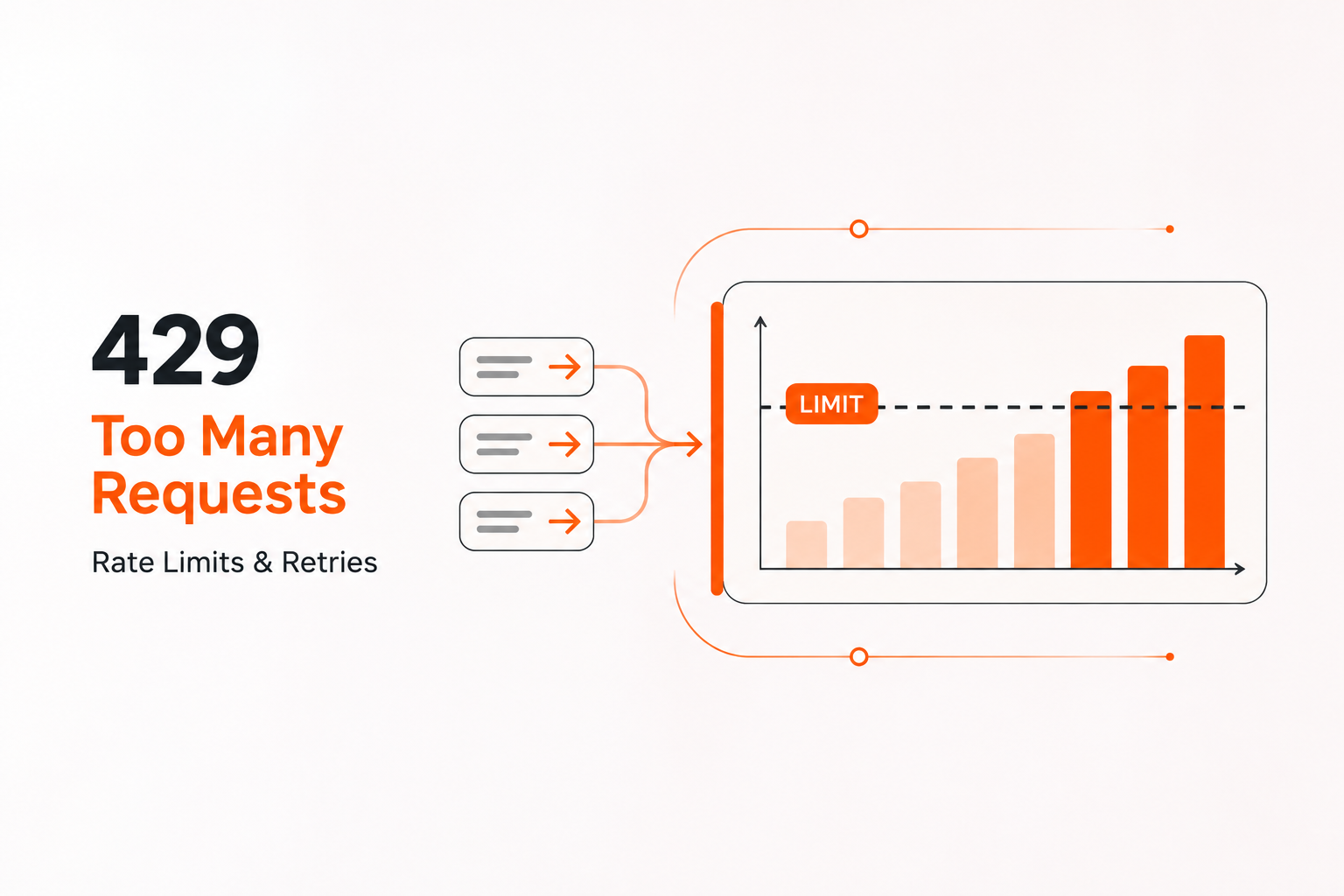
| Target 403 or 429 | Target permissions, request frequency and response body; proxy connection may have succeeded. |
| Target 200 but unusable body | Content validation, redirects, login/challenge pages and parser assumptions. |
Use the example with IP Fist
Get the host, port and full username for your product from the IP Fist dashboard and docs. Its residential example includes country and session options inside the username; put the complete assigned form in `PROXY_USERNAME` if the selected plan supports those options. Begin with the IP echo, then test a permitted target. For persistent 407 errors, use our proxy authentication guide before changing retry logic or buying a different plan.
Frequently asked questions
Why is the `https` proxy value still `http://...`?
The dictionary key selects HTTPS destination requests. The value describes the protocol used to connect to the proxy. An HTTP proxy can tunnel an HTTPS destination through CONNECT.
Does a Requests Session guarantee a sticky IP?
No. The Session can reuse cookies and connections, but the proxy provider controls exit allocation and rotation. Use the plan's session identifier and verify the exit over the period your workflow needs.
Should I retry every proxy exception?
No. A 407 needs authentication correction, an SSL error needs trust diagnosis, and a target 429 needs the target's rate-limit handling. Blind retries add traffic and can make the failure worse.
Sources and verification scope
Behavior follows the official Requests advanced proxy guide, Requests API reference and quickstart error handling. IP Fist parameter examples follow its public docs. The sample has been syntax-checked without live account credentials; test your plan and authorized target before production use.